

Speak Freely, Write Globally: How GoEchoo Turns Your Voice Into the Language You Need
September 12, 2026 · Om Pandey
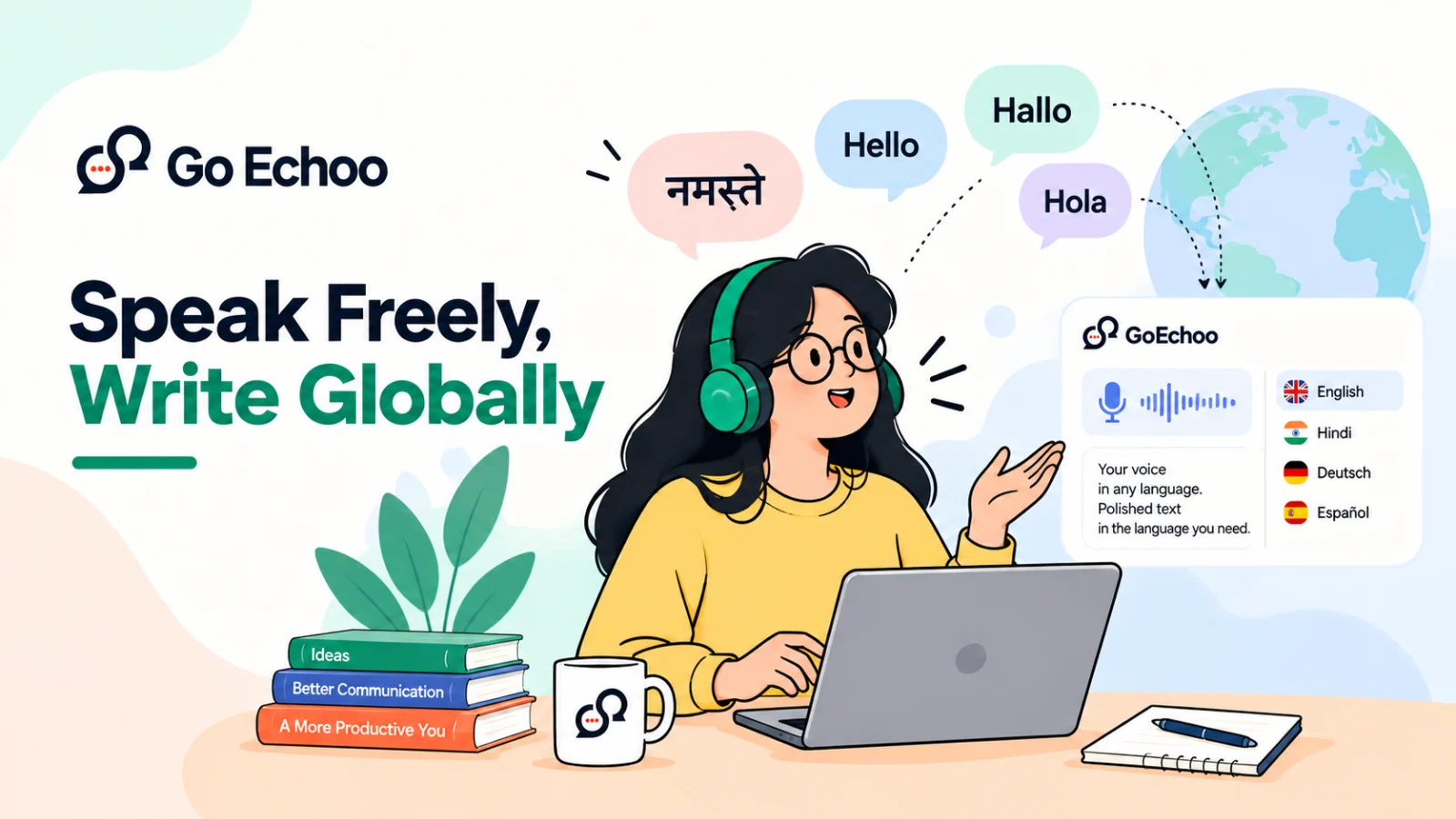
Your thoughts don't always come in the language you need to write.
You might think and speak naturally in Hindi, but need to send a message in English. You might be speaking German during a conversation but need the final text in English. Or perhaps you understand multiple languages and want to communicate with someone in a language that is different from the one you normally speak.
Usually, this means stopping your train of thought.
You speak.
You translate in your head.
You type.
You correct the grammar.
You fix the formatting.
And then, finally, you send it.
GoEchoo is designed to make that process simpler.
With GoEchoo, you can speak naturally in the language that feels comfortable to you and choose the language in which you want your final text to appear.
It is more than simply turning your voice into text.
It is about turning your thoughts into usable communication.
Transcription Is Only Part of the Problem
Voice transcription has already changed the way people interact with computers.
Instead of typing every word, you can simply speak.
But what happens when the language you speak isn't the language you need to write in?
That's where traditional transcription reaches its limit.
Imagine you are most comfortable speaking Hindi, but you need to write an email in English.
A basic transcription tool might give you Hindi text.
Now you still have to translate it.
Then you may need to correct the grammar.
Then you may need to restructure the sentences.
Then you format the message.
The voice saved you from typing, but you still had a lot of work left.
GoEchoo takes a different approach.
Speak in One Language. Get the Output in Another.
GoEchoo lets you select your preferred output language.
For example, you can select:
Input: Hindi
Output: English
Now you can speak naturally in Hindi, while GoEchoo produces the final text in English.
Example
You say in Hindi:
"मुझे कल की मीटिंग के बारे में आपको कुछ बताना है।"
GoEchoo can turn that into:
"I want to tell you something about tomorrow's meeting."
You didn't need to stop and translate the sentence yourself.
You simply said what you wanted to say.
GoEchoo handles the language conversion.
From German to English Without Breaking Your Flow
The same workflow can be useful for people who communicate across international teams.
Imagine you are comfortable speaking German, but your workplace primarily communicates in English.
You can speak naturally in German and set your output language to English.
For example, you say:
"Ich möchte den Termin für morgen verschieben, weil ich zu dieser Zeit nicht verfügbar bin."
The output can be:
"I'd like to reschedule tomorrow's meeting because I won't be available at that time."
The important part isn't just that the words were translated.
The final sentence is written in a way that feels natural and ready to use.
That's the difference between simply translating words and creating useful communication.
And It Works the Other Way Around Too
The output language doesn't have to be English.
You can choose the language you need.
For example:
Input: English
Output: Hindi
You say:
"I will send you the updated document by tomorrow morning."
GoEchoo can produce:
"मैं आपको अपडेट किया हुआ दस्तावेज़ कल सुबह तक भेज दूँगा।"
Or:
Input: German
Output: Hindi
You can speak in German and receive the final text in Hindi.
This makes the feature useful for more than just English communication.
The language you speak and the language you write no longer have to be the same.
How Does It Work?
The idea is simple: you choose the language you want your final text in, and GoEchoo takes care of the rest.
You don't need to manually translate your speech or switch between different tools. The workflow happens in a few simple steps.
1. Choose Your Output Language
Start by selecting the language in which you want your final text to appear.
For example:
Output language: English
Once English is selected, GoEchoo is ready to produce your spoken input as English text, even when you speak in another language.
2. Speak Naturally
Now simply say what you want to communicate.
You can speak in Hindi, German, English, or another supported language without first translating your thoughts.
For example, you might say in Hindi:
"मैं आपको प्रोजेक्ट की नई अपडेट के बारे में बताना चाहता हूँ।"
You don't need to pause and think about how to say it in English.
3. GoEchoo Understands Your Speech
GoEchoo processes what you said and identifies the meaning of your spoken input.
This is important because natural speech isn't always perfectly structured. People pause, repeat words, change sentences, or correct themselves while speaking.
The goal is not to force you to speak like you're writing. You speak naturally; GoEchoo turns that thought into usable text.
4. Your Speech Is Converted Into the Selected Language
Once your speech is understood, GoEchoo produces the output in the language you selected.
So if you selected English, the Hindi sentence above can become:
"I want to tell you about the latest update on the project."
If you select Hindi instead, the same multilingual workflow can produce Hindi output from speech in another language.
5. The Output Is Formatted for You
The process doesn't stop at language conversion.
GoEchoo can also structure the result so that it is easier to read and use, with appropriate grammar, sentence structure, spacing, punctuation, and formatting.
That means the final result is not just a translation of what you said. It is text designed to fit naturally into your workflow.
The Complete Flow
Choose output language → Speak naturally → GoEchoo understands → Translate into your selected language → Format the final text
The result is a much simpler way to move from an idea in your head to a message on your screen.
It's Not Just About Translation
Translation is an important part of this workflow, but it isn't the whole story.
Good communication isn't simply about replacing words from one language with words from another.
A useful output needs to make sense.
It needs the right:
Grammar
Sentence structure
Spacing
Punctuation
Context
Readability
Formatting
For example, when someone speaks naturally, they might pause, repeat themselves, correct something, or change their sentence halfway through.
A useful voice-first system should understand the intended meaning rather than simply reproducing every spoken mistake.
Instead of giving you something that sounds like raw speech, GoEchoo aims to give you text that is ready to read, edit, share, or send.
Speak Naturally Instead of Translating in Your Head
One of the biggest advantages of multilingual voice input is something very simple:
You don't have to interrupt your thinking.
When people type in a second language, they often think about the sentence twice.
First:
"What do I want to say?"
Then:
"How do I say this correctly in English?"
That second step can slow everything down.
Voice changes the equation.
You can express the thought in the language that comes naturally to you and let GoEchoo produce the output in the language you need.
The traditional workflow
Think → Translate → Type → Correct → Format → Send
The GoEchoo workflow
Think → Speak → Choose output language → Get polished text
That's a much more natural way to communicate.
From a Thought to a Ready-to-Use Message
Consider a simple workplace situation.
You have an idea about a project and want to explain it to your team.
You could spend several minutes typing the message.
Or you could simply explain the idea out loud in the language you're most comfortable with.
For example, you might speak in Hindi:
"हमें इस प्रोजेक्ट की टाइमलाइन को थोड़ा आगे बढ़ाना चाहिए क्योंकि अभी कुछ जरूरी काम बाकी है। इससे हमें काम को ठीक से पूरा करने के लिए थोड़ा और समय मिल जाएगा।"
With English selected as your output language, the result can become:
"I think we should extend the timeline for this project because there is still some important work remaining. This will give us a little more time to complete everything properly."
The idea stays yours.
The language changes.
The typing disappears.
Useful for Work, Communication, and Everyday Life
This capability can fit into many different workflows.
For Professionals
You can speak naturally in your preferred language and produce emails, messages, notes, or project updates in the language your team uses.
For Multilingual Teams
Team members don't always have to communicate in the same spoken language. They can express themselves naturally while producing a common output language.
For Students
You can explain an idea in the language you're most comfortable with and create notes or written content in another language.
For Content Creators
An idea doesn't have to be developed in the same language in which it will eventually be published.
For Everyday Communication
Whether you're writing a message, replying to someone, or explaining something important, you can focus on what you want to say instead of how quickly you can type it.
Your Voice Shouldn't Be Limited by Language
Language should help you communicate.
It shouldn't become another barrier between your thought and the person receiving it.
That's why multilingual voice workflows are more interesting than simple transcription.
The goal isn't just:
"Convert my voice into text."
The goal is:
"Understand what I'm trying to say and help me communicate it in the language I need."
With GoEchoo, your spoken language can be different from your output language.
You can speak Hindi and write in English.
Speak German and write in English.
Speak English and write in Hindi.
Or use another supported language combination that fits your workflow.
One Voice. Multiple Languages. Less Effort.
The future of voice-first computing isn't just about speaking instead of typing.
It's about making communication more natural.
You shouldn't have to change the way you think simply because the final message needs to be written in another language.
You shouldn't have to translate every sentence in your head.
And you shouldn't have to move between multiple tools just to turn a spoken thought into a polished message.
Speak naturally. Choose the language you need. GoEchoo handles the rest.
Because your thoughts shouldn't be limited by the language you type in.