Stop Typing Everything: Why Voice-First Work Is the Smarter Workflow
You already have the words in your head. Learn how voice-first workflows can reduce typing and make everyday work feel more natural.
Deepak Kumar4 min read
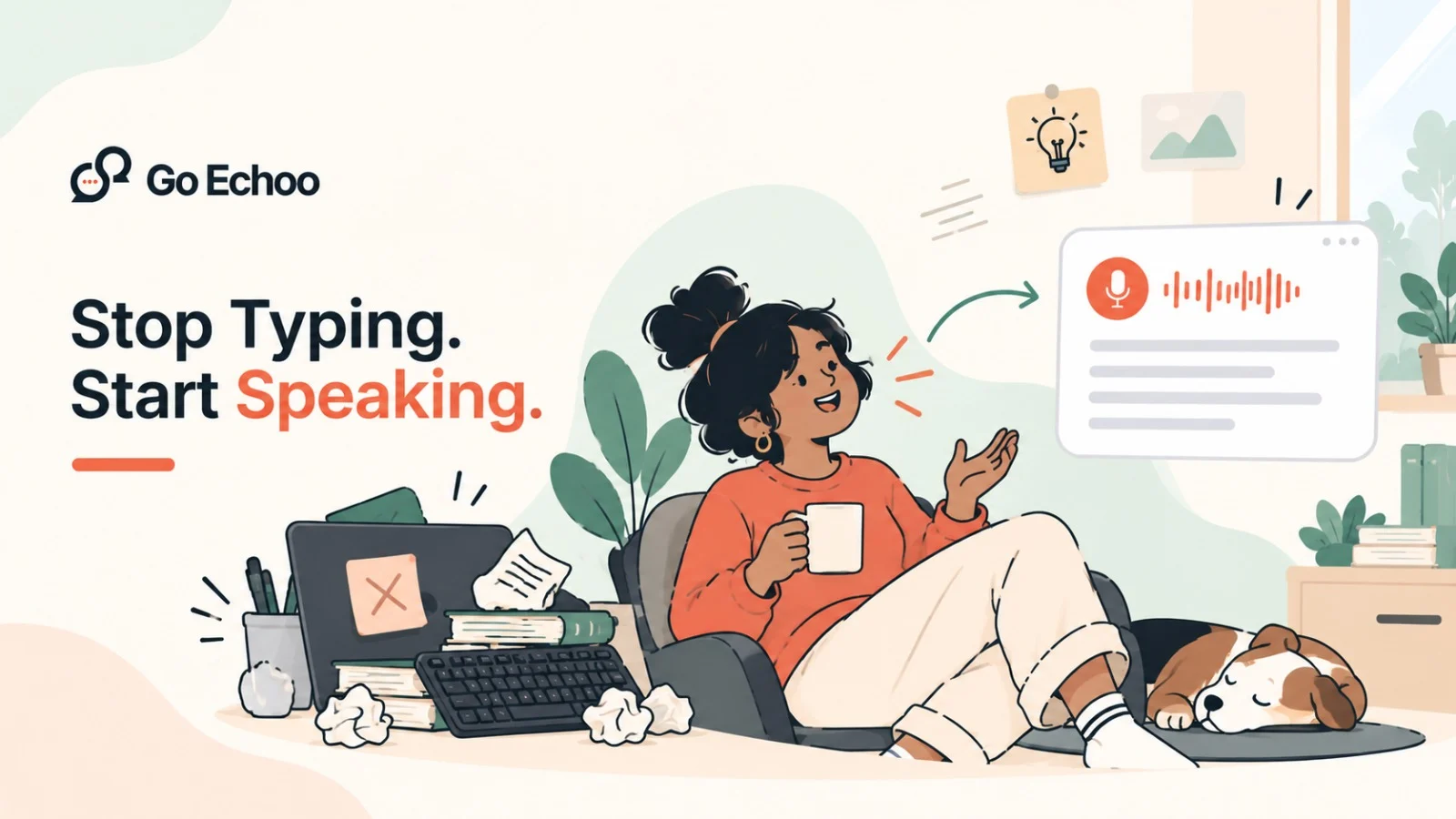
Your thoughts do not arrive one keystroke at a time.
An idea appears, you understand what you want to say, and then you start typing. The keyboard becomes the middleman between the thought in your head and the words on your screen.
For short messages, that is fine. But when you write emails, documentation, notes, ideas, updates, and drafts all day, that extra step adds up.
Voice typing offers a simpler approach: say what you mean first, then edit when you need to.
Your keyboard should not be the bottleneck
Typing is an excellent tool for precision. It is less useful when the main job is simply getting language onto a screen.
Consider writing a project update. You already know the three things you want to tell your team. The work is not thinking of the message. The work is physically entering every sentence.
The same thing happens with emails, meeting notes, support replies, documentation, and quick ideas.
You can type all of them. But you do not necessarily need to.
Voice changes the interaction from:
Think → type → correct → continue
to:
Think → speak → review
That difference can make writing feel less mechanical.
Speaking lets you capture the whole thought
When you type, it is easy to edit while you are still creating.
You write a few words, stop, change them, continue, delete something, rewrite it, and then try to remember what you wanted to say next.
Speaking encourages a different workflow.
You can explain the complete idea in your own words first. Once it is on the page, you can decide what needs changing.
This is particularly useful for first drafts.
You might dictate:
The important part is not producing perfect text in one take. It is getting the thought out without interrupting yourself every few seconds.
The best voice workflow does not replace your keyboard
There is no reason to choose one input method for everything.
The keyboard is still better when you need precise edits, symbols, shortcuts, code, passwords, or detailed navigation.
Voice is useful when the task is primarily about language.
That gives you a simple division of work:
This hybrid workflow is often more practical than trying to become a completely voice-driven user.
You do not need to stop typing. You just need to stop typing the parts that are easier to say.
The biggest improvement is removing the copy-paste step
Voice typing becomes much more useful when it works inside the workflow you already have.
A separate dictation window creates another task: open the tool, speak, copy the result, switch applications, and paste it.
Go Echoo is designed around a simpler interaction.
Hold the hotkey, speak naturally, and release. The text appears where your cursor already is.
You can dictate directly into an email, chat, document, code editor, notes app, or another application with a text field. There is no separate writing window to manage.
That matters because productivity is often lost through small interruptions rather than one large problem.
If you have to switch applications every time you want to dictate, voice typing becomes another workflow to manage.
If your voice can go directly where you are already working, it becomes an input method.
Voice typing works best when you already know what you want to say
There is a useful distinction between thinking and typing.
If you are still figuring out what you mean, voice typing will not magically solve the problem. You still need to think.
But once the idea is clear, speaking can remove the mechanical step between your thought and your draft.
This is why voice typing can work particularly well for people who spend their day communicating.
Developers explain changes. Managers write updates. Founders send messages. Marketers draft ideas. Support teams respond to customers. Writers develop rough drafts.
The work is different, but the bottleneck can be the same: too much of the day is spent turning already-formed thoughts into typed words.
A better workflow starts with choosing the right input
The next time you sit down to write something, do not automatically reach for the keyboard.
If the task requires precision, type it.
If the task requires a lot of words, try saying them.
If the first draft is the hard part, speak the draft and edit afterward.
With Go Echoo, you can hold a key, speak, and have the text appear at the cursor in the application you are already using. It supports desktop and phone workflows, including Hindi and Hinglish, with 27 languages and auto-detect.
The point is not that voice is better than typing.
The point is that your input method should match the work you are doing.
Your keyboard is still there when you need it. But when you already have the words in your head, you can simply say them.
That is the idea behind Go Echoo: talk naturally, get the words onto the page, and keep working.